 COME
COME Version, APK Size and Check Date: Read Each Field
Version, size and check date answer different questions. Read each field for what it describes before deciding whether a COME APK is the file you intended to obtain.
Version identifies a stated release
A release label should be compared with the version attached to the same app on your phone or download listing. Do not compare it directly with a campaign title, a product edition or an image filename. A similar-looking number can refer to a different layer of the product.
An update status is not a version number
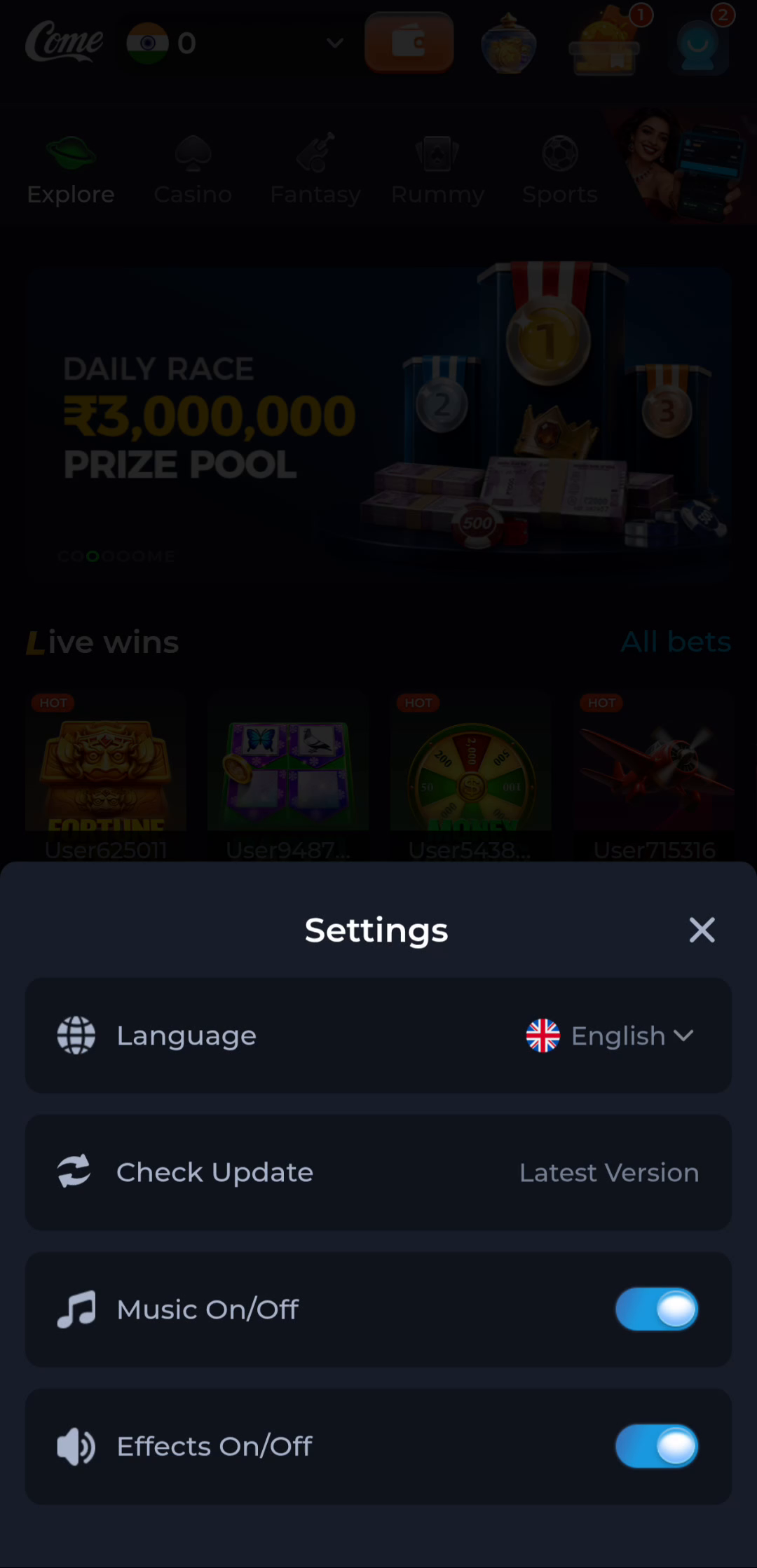
The COME Settings screen includes Check Update and a Latest Version status. Use the current response in your own installation as one observation, then look for a numerical release label if you need to compare versions.
Size describes a listing or a file
A listed APK size concerns the download described there. It is not the same as the storage occupied by an installed app and its data. If a transfer is still incomplete, its current size is also not a reliable comparison with the completed file.
Check date is not release date
A page can be reviewed today while describing an earlier release. Do not interpret a recent page date as proof that a new app version was published that day. Look for a release date stated by the provider when the age of a release matters.
Bring the fields together
Record the source address, app identity and offered version before installation. If the fields conflict, retain the working app and clarify the mismatch. Matching metadata is useful for comparison but does not guarantee the security or suitability of the downloaded binary.